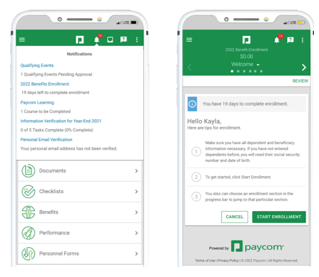
From the Notifications Center, tap the current year’s Benefits Enrollment. Review the instructions and tap "Start Enrollment."
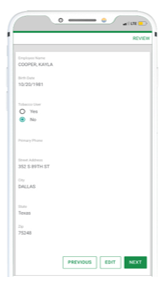
Review your information. Tap "Edit" to change anything or "Next" to continue.
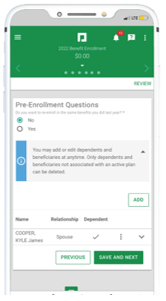
Complete the Pre-Enrollment Questions and tap "Save and Next." You can also edit existing dependent and beneficiary information on this screen, as well as add a dependent or beneficiary
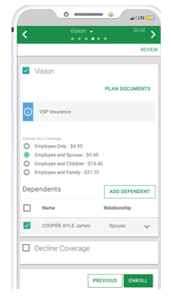
Choose to enroll in or decline a plan by checking the appropriate option. If necessary, choose which dependents to add. When finished, tap "Enroll." Continue for each benefit plan.
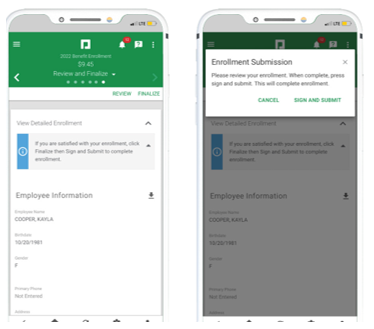
When finished, review your enrollment and tap "Finalize." Then, tap "Sign and Submit" in the pop-up window. To view your current benefits at anytime, navigate to Benefits > Current Benefits.